Prezzy
26 April, 2026
Prezzy started from a very specific thing I kept noticing in presentation videos: the zoom effect. When someone clicks or moves through a product, the recording zooms into the important part and suddenly the whole demo feels more intentional. People who saw my presented work liked that feeling too. It made videos feel less like raw screen recordings and more like interactive product stories.
So I naturally tried tools like Tella and a few other options. They were good, but most of them were paid, limited by a short free trial, or just not something I wanted to keep paying for when I only needed it occasionally. I had Codex, I had a problem, and that was enough of a reason to start building my own lane.
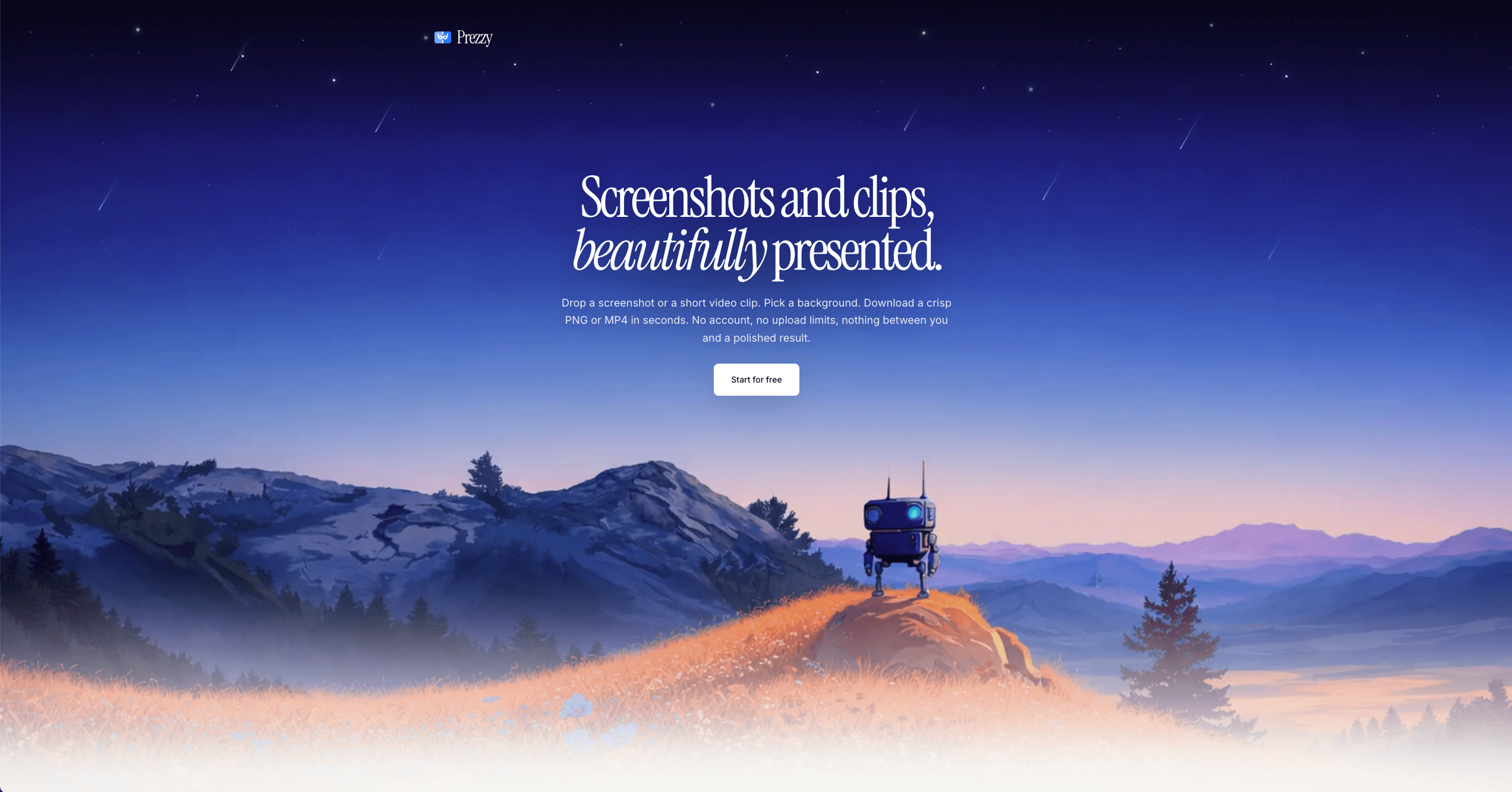
Prezzy turning a plain browser recording into a more polished product demo, fully in the browser.
Starting With Images
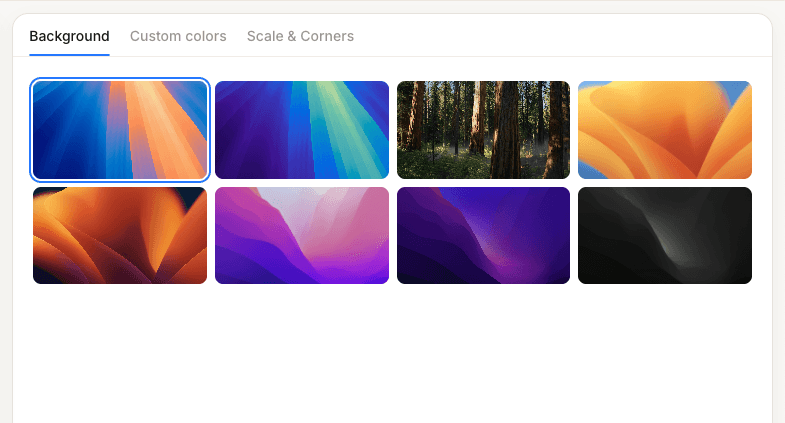
The first version was not even about videos. The idea was simpler: let someone bring their own screenshot, choose a good background, round the corners, and export something that looked ready to share. No accounts, no uploads to my server, no dashboard. Just open the tool, bring an image, style it, export it.
That image-first version helped me understand the real product shape. The useful part was not just making something pretty. The useful part was giving control to the person making the demo. They already had the raw material. Prezzy only needed to help them present it better.
Then Video Became The Problem
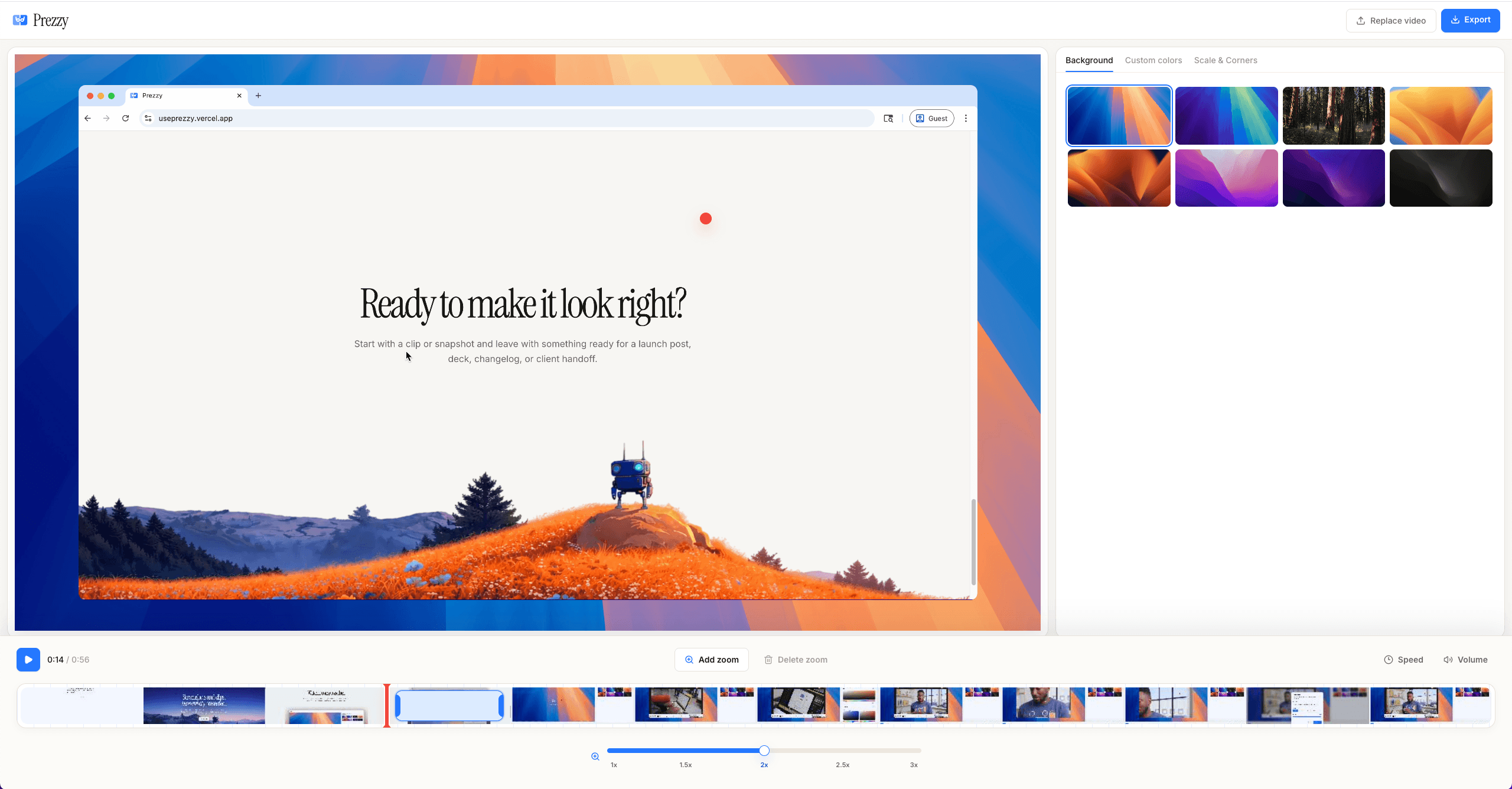
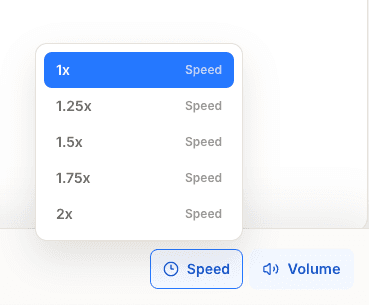
After that, I started asking the bigger question: if a user brings a raw screen recording, can the browser turn it into a finished demo? Can it add backgrounds, rounded corners, speed changes, volume control, and zoom effects without me setting up video processing infrastructure?
That became the main constraint of the project. I did not want server-side rendering jobs, queues, storage bills, or a backend that had to understand every export. I wanted the browser to become the editor. The user imports the video, chooses the look, adjusts the details, and exports locally.
The Client-Side Path
The path that worked was keeping the heavy work on the client. The app can use high quality backgrounds from cloud storage, because those assets should not be compromised, but the user video itself does not need to touch my server. It is imported in the browser, edited in the browser, and encoded for export from the browser.
There are limitations, and I had to design with them instead of pretending they do not exist. Right now the sweet spot is short clips, around one minute. That sounds restrictive at first, but it also fits the actual use case: quick product walkthroughs, presentation snippets, launch clips, and small demos. Most of those do not need to be five or ten minutes long.
const { FFmpeg } = await import("@ffmpeg/ffmpeg"); const { toBlobURL, fetchFile } = await import("@ffmpeg/util");const ff = new FFmpeg();await ff.load({ coreURL: await toBlobURL(`${FFMPEG_CDN}/ffmpeg-core.js`, "text/javascript"), wasmURL: await toBlobURL(`${FFMPEG_CDN}/ffmpeg-core.wasm`, "application/wasm"),});const bgDataUrl = await toPng(exportNode, { backgroundColor: "transparent", pixelRatio: exportScale, skipFonts: true,});const mask = await roundedRectMask(ovW, ovH, radius);await ff.writeFile("bg.png", await fetchFile(bgDataUrl));await ff.writeFile("mask.png", mask);await ff.writeFile("input", await fetchFile(video.file));await ff.exec([ "-i", "input", "-i", "bg.png", "-i", "mask.png", "-filter_complex", makeVideoFilter({ duration, ovW, ovH, videoSettings, videoZooms }) + "[vid][mask]alphamerge[masked];" + "[bg][masked]overlay=${ovX}:${ovY}[out]", "-map", "[out]", "-c:v", "libx264", "-pix_fmt", "yuv420p", "output.mp4",]);const outData = await ff.readFile("output.mp4");const url = URL.createObjectURL(new Blob([outData], { type: "video/mp4" }));The Zoom Effect
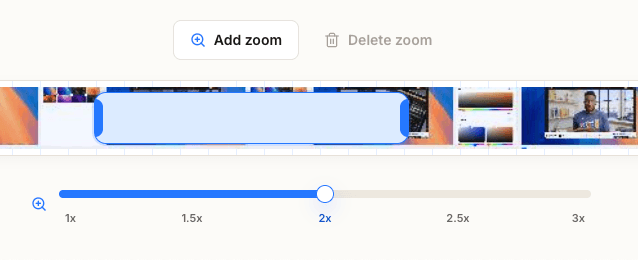
The zoom effect became the feature I cared about most, because that is what many people actually want from tools like this. They do not always need a full studio. They want the recording to zoom toward the click, stay readable, and make the viewer understand where to look.
I refined that loop over many passes: import a clip, detect or place the moments that need focus, tune the zoom duration, test how it feels, export, and repeat. The hard part was making it feel useful while staying fully browser-only. The export can take longer than a server-backed product, but for an occasional tool, I would rather wait a bit than pay 20 dollars just to make a small demo look good.
Where It Is Now
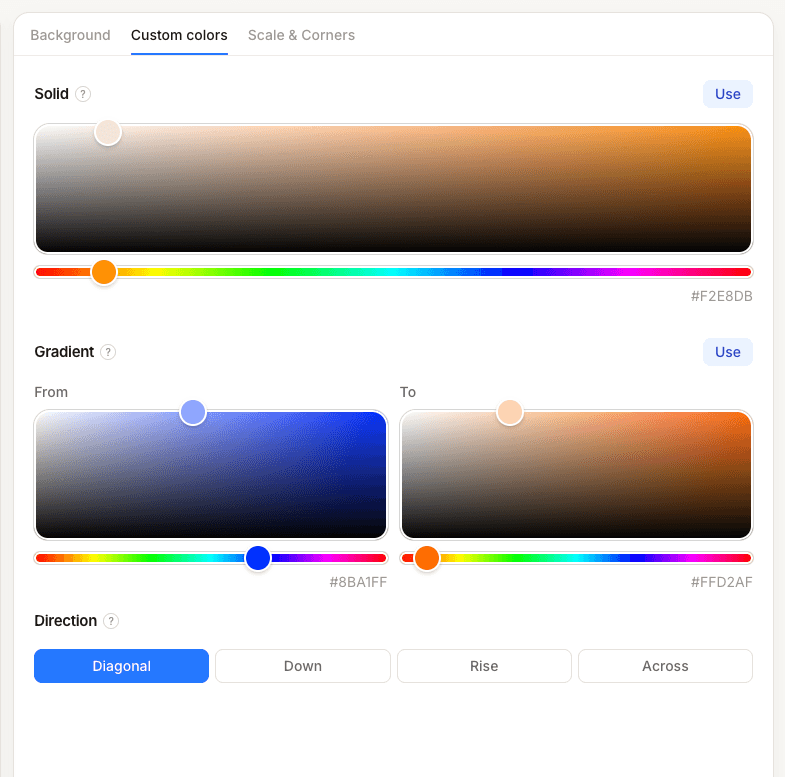
Prezzy now supports importing images, importing short videos, applying zoom effects, rounding corners, changing playback speed, controlling volume, choosing solid or gradient backgrounds, and adjusting how the zoom behaves. It is not trying to be a full video editor. It is trying to be the quickest way to turn a raw screen recording into something presentable.
I still want to push the clip length further, ideally toward two minutes, and keep improving the export path. But the important thing is already there: with the right adjustments, it is possible to build an inspired version that has no paid gate, no ads, no watermark, and no server involvement for the user's media.
Try it here: useprezzy.vercel.app